




Key Takeaways
- Automating cash application means systematically removing manual work from four stages: remittance capture, invoice matching, exception and deduction handling, and ERP posting, not replacing the whole process with one black-box tool.
- Rules-based matching reliably clears the majority of clean, one-to-one payments (fixed amounts, clean invoice references, ACH with structured remittance data). AI-driven matching earns its place on partial payments, consolidated deposits, and remittance data that arrives as free text in an email or PDF.
- Straight-through processing rates vary sharply by approach: rules-only systems typically clear 60-70% of payments untouched, while AI-driven matching pushes that into the 90%+ range on the same transaction mix.
- Deductions and short pays are the hardest part of cash application to automate well, because the reason code lives in the customer’s language, not the ERP’s. Automation has to map that language to a deduction taxonomy, not just flag the payment as unmatched.
- Controls don’t disappear under automation, they move into the workflow itself: segregation of duties between who resolves an exception and who approves the posting, materiality thresholds for auto-clearing, and a full audit trail of every match and override.
- A phased rollout, starting with the highest-volume clean payment types and expanding into harder remittance formats, consistently beats a single cutover, because it surfaces matching and tolerance problems before they hit a real close.
Most AR teams don’t automate cash application because it sounds efficient. They automate it because the manual version has quietly become the bottleneck in the whole order-to-cash cycle: remittance advice arrives scattered across emails, customer portals, EDI feeds, and lockbox files, an analyst spends hours a day matching payments to invoices by hand, and unapplied cash keeps piling up in a suspense account because nobody has time to chase down what a $47,230 wire is actually paying for.
That bottleneck has real downstream cost. Cash that sits unapplied doesn’t reduce DSO even though it’s technically been collected, collections teams chase customers who already paid (just not in a way the system could match), and month-end close gets delayed while the team reconciles cash application backlogs instead of closing the books. Automation fixes the mechanical part of the problem: capturing remittance data, matching it to open invoices, and routing what’s genuinely unclear to the right person, so an analyst’s time goes to real exceptions instead of manual keying.
A quick overview: what automating cash application actually means, where the manual process breaks down first, the automation workflow step by step, how rules-based and AI-driven matching differ, how exception and deduction handling need to be designed, a realistic implementation sequence, and the ROI and risks worth planning for.
What Automating Cash Application Actually Means
Cash application, done manually, runs through five stages: receive the payment and its remittance advice, extract the invoice references and amounts from that remittance, match the payment to the correct open invoice or invoices, investigate anything that doesn’t match cleanly, and post the applied cash to the ERP or accounting system. Automation doesn’t collapse all five into one opaque step. It replaces the mechanical, repetitive parts of each stage and keeps a person in the loop wherever real judgment is required.
- Remittance capture gets automated first, and it’s the highest-leverage stage. Emails, PDFs, EDI 820 transmissions, bank and lockbox files (BAI2, MT940, CAMT.053), and customer AP portals all get pulled into one intake layer instead of an analyst checking five different places every morning.
- Data extraction becomes structured, not manually re-keyed. OCR and document-intelligence tools pull invoice numbers, amounts, deduction codes, and payer references out of unstructured remittance advice, so the matching engine has clean, standardized fields to work with regardless of what format the remittance arrived in.
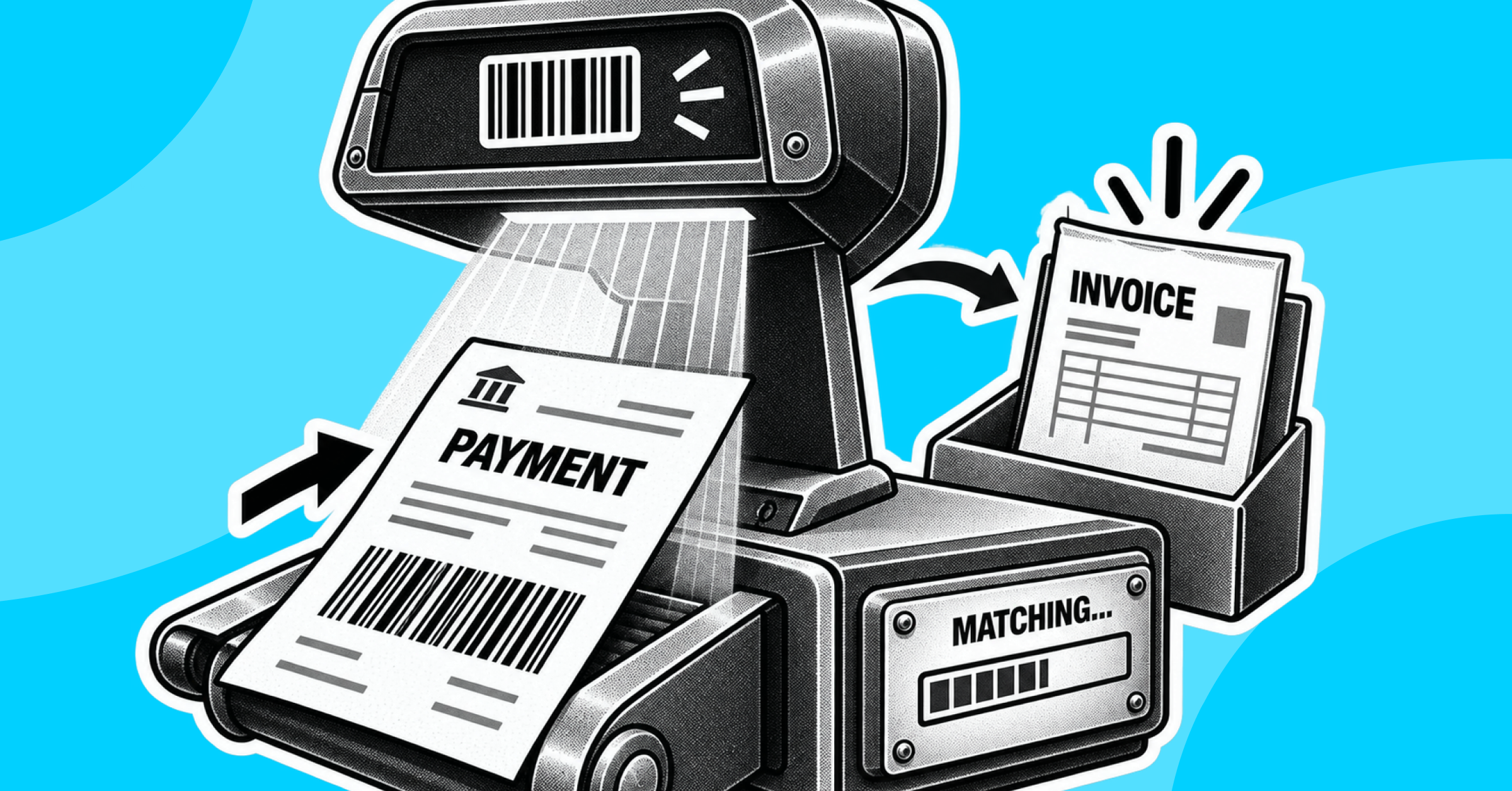
- Matching is where most of the real automation value sits. A system applies deterministic rules first (exact amount, exact invoice reference, one payment to one invoice) and, where configured, AI-based pattern matching for payments that don’t fit a clean one-to-one rule.
- Exception and deduction handling gets automated as a workflow, not as a resolution. The system routes unmatched or short-paid items to the right owner with the remittance context attached. It doesn’t decide, on its own, that a customer’s deduction claim is valid.
- Posting and reporting get automated as an audit trail. Every applied match, partial application, and manual override is logged with who did what and when, which is what makes the reconciliation defensible at close and at audit, not just fast.
The honest framing: automation removes the labor of chasing remittance data and manually tying payments to invoices. It does not remove the responsibility of deciding what a genuine short pay or dispute means. Teams that expect the second thing from the first end up with a faster process that’s actually harder to trust.
Where Manual Cash Application Breaks Down First
Automation is worth building where the manual process is actually failing, and in cash application that failure pattern is consistent across industries.
- Remittance data is scattered across channels with no common format. A single day’s payments can arrive as EDI 820 from large retail trading partners, a PDF attached to an email from a mid-size customer, a scanned check with a stub from a lockbox, and a payment reference typed into a customer portal, each needing to be read differently.
- Unstructured remittance advice forces manual interpretation. An email that says “payment covers March and April invoices, net of the return credit” has no structured field for that. Someone has to read it, understand it, and translate it into which specific invoices get how much applied.
- One payment rarely maps cleanly to one invoice. Bulk payments covering dozens of invoices, partial payments, and netted deposits (a marketplace or distributor payout minus fees and chargebacks) are the norm for many B2B and ecommerce sellers, not the exception, and a line-by-line manual match doesn’t scale with volume.
- Deductions and short pays require chasing down a reason before anyone can post anything. A customer pays less than the invoice for a trade promotion, a damaged-goods claim, a pricing dispute, or a freight deduction, and an analyst has to identify the reason, validate it, and code it correctly before the remainder can be resolved.
- Unapplied cash accumulates because there’s no forced deadline to resolve it. Without a structured aging queue, unmatched payments sit in a suspense account, DSO looks worse than it actually is, and collections ends up contacting customers who already paid.
None of these are technology problems in isolation. They’re volume and complexity problems that manual matching and spreadsheet-based deduction tracking were never built to absorb at scale, which is exactly why cash application automation earns its cost the moment payment volume, channel diversity, or deduction frequency outpaces what an analyst can manually clear each day.
The Cash Application Automation Workflow, Step by Step
- Consolidate remittance intake across every channel. Connect email inboxes, EDI feeds, bank and lockbox files, and customer/AP portal exports into a single intake layer, so no remittance source depends on someone manually checking it.
- Extract structured data from unstructured remittance advice. Use OCR and document-intelligence extraction to pull invoice numbers, payment amounts, dates, and deduction or dispute reason codes out of PDFs, emails, and scanned documents, with line-level traceability back to the source document.
- Apply deterministic matching rules first. Match on exact invoice number, exact amount, and payer identity wherever the remittance data supports it. This is the fastest, most transparent path to a cleared payment and should handle the majority of standard, one-to-one transactions.
- Layer in AI-driven matching for the harder cases. Use pattern-based matching for partial payments, bulk payments covering multiple invoices, and netted or consolidated deposits, where a fixed rule can’t reliably describe the relationship between the payment and the open invoices it settles.
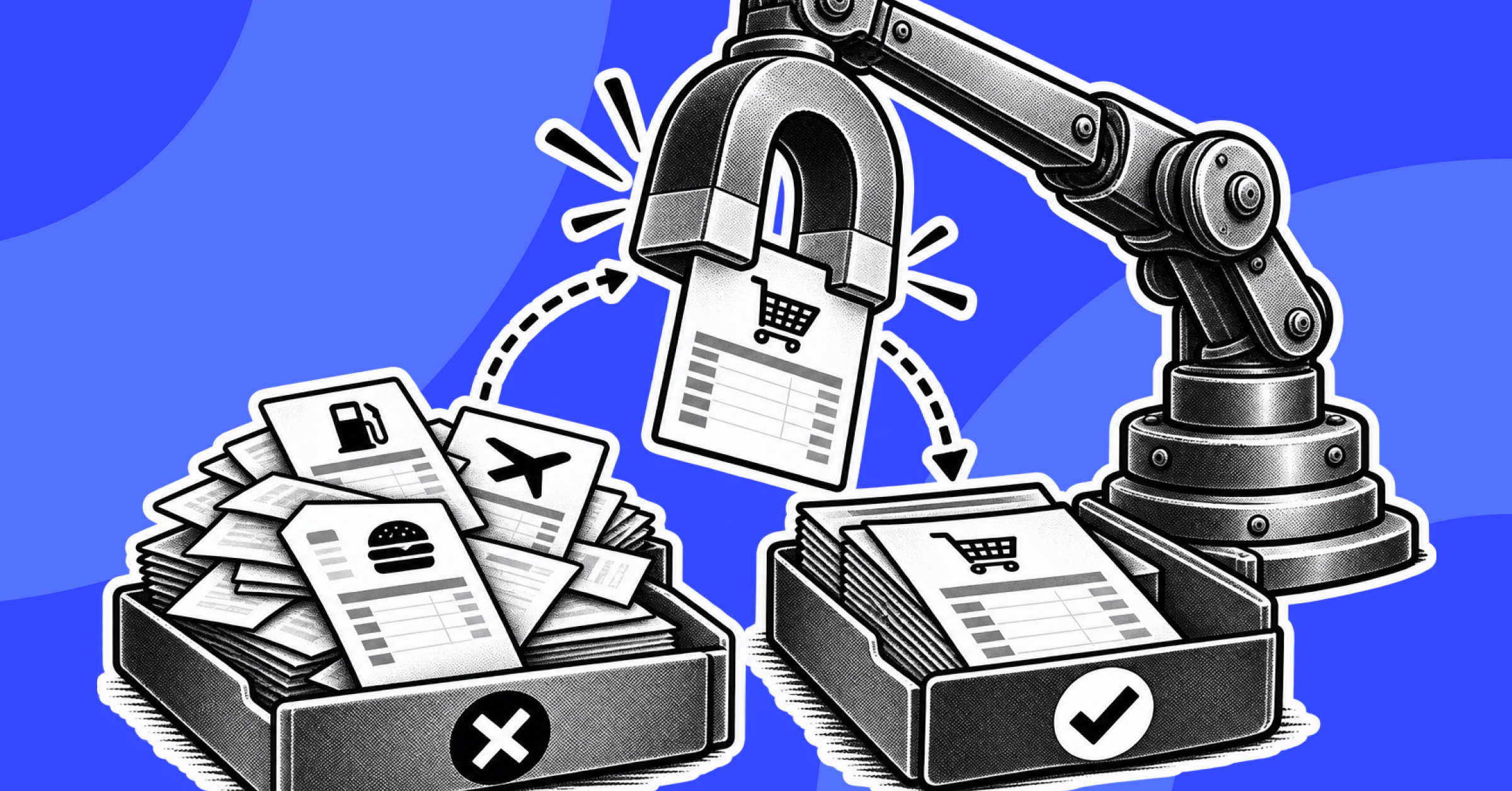
- Route true exceptions and deductions into an owned queue. Anything that doesn’t clear through rules or AI matching goes to a named owner with the remittance detail, suggested match candidates, and an aging clock attached, rather than sitting in a shared inbox or spreadsheet.
- Code and validate deductions against a defined taxonomy. Map customer-specific deduction language (trade spend, chargebacks, freight claims, pricing disputes) to a standard internal deduction category before it moves to collections or dispute resolution, so the same deduction type is never coded three different ways by three different analysts.
- Post applied cash and reconcile the audit trail. Confirmed matches, partial applications, and resolved deductions post to the ERP automatically, with every match, override, and approval timestamped and attributable.
Rules-Based vs AI-Driven Matching for Cash Application
This is the decision most teams get wrong in one of two directions: assuming rules alone are sufficient because “our payments are mostly simple,” or assuming AI matching is needed everywhere when a large share of payments never needed it.
- Rules-based matching is the right default for clean, structured payments. ACH and wire payments with an exact invoice reference and exact amount, single-invoice checks, and payments from customers with consistent remittance formats match reliably on deterministic logic, and deterministic logic is easier to explain to an auditor than a model’s confidence score.
- AI-driven matching earns its place on variable, high-noise remittance. Bulk payments settling many invoices at once, partial payments and short pays, netted marketplace or distributor payouts, and free-text remittance advice with no structured invoice reference are exactly where pattern-based matching clears payments that a static rule set would otherwise kick to manual review every time.
- Straight-through processing rates make the gap concrete. Rules-only systems commonly clear somewhere in the 60-70% range of payment volume without human touch. Adding AI-driven matching on top of the same rule base typically pushes straight-through processing into the 90%+ range, because it’s absorbing exactly the partial and multi-invoice cases rules can’t describe.
- Most cash application operations need both, not one or the other. The realistic target is rules-based matching clearing the bulk of clean transactions with full transparency, and AI-assisted matching absorbing the residual complexity, so what’s left in the exception queue is genuinely worth an analyst’s time.
- AI matching should improve with use, not stay static. A system that learns from confirmed matches, corrected exceptions, and resolved deductions should gradually reduce the exception rate for recurring customer patterns instead of requiring an analyst to write a new rule every time a customer changes their remittance format.
The failure mode to watch for either way: a matching engine tuned so loosely that it auto-applies payments to the wrong invoice, or so conservatively that it manually escalates payments that were never actually ambiguous. Both erode trust in the automation faster than any missing feature would.
Exception and Deduction Handling in Automated Cash Application
Deductions and short pays are where cash application automation is judged in practice, because this is the part of the process that was already the hardest to do manually, and automation that only handles the easy matches without fixing this doesn’t move the needle on analyst workload.
- Every unmatched payment needs a reason before it needs a resolution. The workflow should surface why a payment didn’t clear (amount mismatch, missing remittance detail, unrecognized deduction) rather than dropping it into a generic “unmatched” bucket that tells the analyst nothing.
- Deduction reason codes need to map to a consistent internal taxonomy. A customer’s own language for why they short-paid (a promotional allowance, a damaged-goods claim, a freight dispute) has to be translated into the same standard categories every time, regardless of which customer or which analyst is handling it, or the deduction data becomes useless for trend analysis later.
- Suggested matches speed up resolution without removing the decision from a person. AI-suggested candidate invoices for a partial or ambiguous payment should be presented with confidence context, not auto-applied silently, so the analyst is confirming a well-informed guess rather than starting from zero.
- Aging and ownership prevent the automated version of an old problem. Automation makes it easy to let a low-value unapplied payment sit indefinitely if nobody is explicitly accountable for it; every exception needs an owner and an aging clock, not just a queue.
- Resolved deductions need to flow into collections and dispute workflows, not dead-end in cash application. A deduction that’s confirmed as invalid should route straight into the collections process for recovery, and a valid deduction should update the customer’s account without a separate manual re-entry step.
Internal Controls for Automated Cash Application
The most common misconception about cash application automation is that it reduces the need for controls. It doesn’t. It relocates them into the configuration and the workflow, which means they have to be designed deliberately instead of assumed.
- Segregation of duties has to be enforced in the system, not just in policy. The person who resolves or codes an exception should not be the same person who approves the final posting, and the platform should block that overlap rather than rely on someone remembering the rule.
- Auto-apply thresholds need to be explicit and documented. Automation forces the question manual processes often dodge: exactly how close does a payment amount need to be to an invoice before it clears automatically, and who approved that tolerance.
- Every manual override needs a reason code, not just an approval click. A payment that gets manually applied against the AI’s suggested match, or applied despite a discrepancy, is one of the higher-risk actions in the workflow, and it’s the first thing an auditor asks to see justified.
- Unapplied cash aging has to stay visible, not just the exception count. Automation can make it easy to keep unmatched cash sitting quietly in a suspense account if the aging report isn’t reviewed on its own schedule, independent of daily exception volume.
- The audit trail is the actual deliverable, not the applied balance. A cash application process that clears every payment with no record of who reviewed what, when, and why isn’t more auditable than a manual one. It’s the same control gap with better formatting.
How to Implement Cash Application Automation
- Assess the current process before evaluating any platform. Document payment volume by channel (ACH, wire, check, card), remittance format mix, deduction frequency and type, and where unapplied cash is actually accumulating today, not where the process is merely inconvenient.
- Select a platform against integration depth and matching sophistication first, feature lists second. Confirm the platform can connect to your actual bank and lockbox files, EDI feeds, and customer portals, and confirm it supports AI-driven matching for your real payment mix, not just rules for the clean cases.
- Start with the highest-volume, cleanest payment type. Automate ACH and wire payments with structured remittance data first, since they clear the fastest wins and validate the matching logic before the harder formats get added.
- Expand into unstructured and multi-invoice remittance next. Bring in email and PDF remittance extraction and AI-driven matching for partial and bulk payments once the clean-case automation is stable and trusted by the team.
- Build the deduction taxonomy before automating deduction routing. Define the standard internal deduction categories and mapping rules up front, so the automation is routing against a consistent structure from day one rather than inheriting years of inconsistent manual coding.
- Run automated and manual cash application in parallel for at least one full close cycle. This is the step teams skip under deadline pressure, and it’s the step that catches a miscalibrated matching threshold or a mis-mapped deduction code before it affects a real close.
- Shift the team’s role before shifting their workload. Cash application staff move from manual matching and re-keying to exception review, deduction validation, and rule refinement. Naming that shift explicitly avoids the change-management friction that stalls automation projects as often as the technology itself does.
ROI and Risks of Automating Cash Application
The realistic gains from automating cash application show up in a few consistent places: straight-through processing rates that move from the 60-70% range up into the 90%+ range, analyst time freed from manual matching and re-keying to actual deduction investigation and dispute resolution, unapplied cash balances that shrink because payments get matched the same day instead of sitting in a suspense account, and a DSO figure that reflects reality instead of being inflated by cash that’s actually already been collected but not yet applied.
The risks worth planning for up front, not discovering later:
- Over-tight or over-loose matching tolerances, which either send too many clean payments to manual review or auto-apply payments to the wrong invoice.
- An inconsistent deduction taxonomy carried over from the manual process, which makes automated deduction reporting unreliable even after the matching itself is automated.
- Unapplied cash aging that goes unmonitored because the exception count looks low, when a handful of high-dollar items are quietly aging past 30 or 60 days.
- Under-scoped rollout, where a team automates remittance capture and matching but never redesigns the deduction and controls workflow, ending up with a faster process that’s actually less auditable than the one it replaced.
None of these are reasons to avoid automating. They’re reasons to design the exception, deduction, and controls layer with the same care as the matching logic, which is usually the piece that gets the least attention during implementation.
How Bluecopa Automates Cash Application and Remittance Processing
Bluecopa’s platform is built around the same automation logic this guide walks through: unified remittance capture, AI-native matching, owned exception and deduction workflows, and a full audit trail, rather than a matching tool bolted onto a separately managed Order-to-Cash process.
- Samyx Extract pulls structured remittance data directly from emails, PDFs, EDI transmissions, and bank or lockbox files, with line-level provenance back to the source document, replacing manual downloads and re-keying with a live, standardized remittance feed.
- Samyx Recon applies AI-native matching at scale to tie payments to open invoices, using deterministic logic on clean one-to-one payments and pattern-based matching on partial, bulk, and netted deposits that static rules can’t reliably describe.
- Samyx Build enforces preparer/reviewer segregation of duties and policy-as-code auto-apply thresholds directly in the workflow, so exceptions and deductions get resolved consistently instead of depending on individual analyst judgment.
Because cash application runs on the same data layer as Bluecopa’s Order-to-Cash module, a matched payment flows directly into AR aging, collections, and reconciliation instead of sitting as a solved problem in an isolated cash application tool. Enterprise finance teams running high payment volume, multiple entities, or a shared services structure have seen this directly: Yatra achieved 7x faster AR reconciliation and a 90% faster month-end close after automating on Bluecopa.
Teams whose deductions and disputes are the real bottleneck once payments clear may find it useful to read how Bluecopa handles accounts receivable collections next, since deduction resolution and collections are the same workflow downstream of cash application.
To see how the same matching and controls logic applies on the reconciliation side of the close rather than just incoming payments, this guide to automating bank reconciliation is the natural next read.
Frequently Asked Questions
1. Can cash application be fully automated?
Most of it can, specifically remittance capture, invoice matching, and exception routing. Genuine deductions, disputes, and final posting decisions on ambiguous payments still need a human reviewer; removing that checkpoint entirely trades a control for speed rather than actually eliminating manual work.
2. What’s the difference between rules-based and AI-driven cash application matching?
Rules-based matching applies fixed logic (exact amount, exact invoice reference) and works best on clean, one-to-one payments. AI-driven matching uses pattern recognition to handle partial payments, bulk payments covering multiple invoices, and netted deposits that a fixed rule can’t reliably describe.
3. What is straight-through processing in cash application?
It’s the percentage of incoming payments applied to the correct invoice with no manual intervention. Rules-only systems typically clear 60-70% of volume touchless; adding AI-driven matching on the same payment mix commonly pushes that into the 90%+ range.
4. 4How does automation handle deductions and short pays?
Automation identifies that a payment doesn’t match the invoice amount, surfaces the likely reason from the remittance data, and maps it to a standard internal deduction category. It doesn’t decide on its own whether the deduction is valid; that validation still requires a person, usually with the payment routed into the collections or dispute workflow once coded.
5. What data sources does automated cash application need to connect to?
Bank and lockbox files (formats like BAI2, MT940, or CAMT.053), EDI remittance transmissions, customer or AP portal exports, and email inboxes where remittance advice arrives as PDFs or free text, alongside the ERP for open invoice data and final posting.
6. How long does it take to implement cash application automation?
It depends on remittance format diversity and deduction volume, but a phased rollout, starting with clean ACH/wire payments and expanding into unstructured remittance and deduction routing, typically spans one to three months rather than a single close cycle.

Book a demo
See Bluecopa run on your own close
70%
Faster month-end close
95%
Reduction in manual effort
30 min · your ERP · no slide deck
Benchmark
How your close compares
Spreadsheet-run close
11 days
Point tools
7 days
Bluecopa
4 days
Calculate your close time
30 min · your ERP · no slide deck
_%20The%20Complete%20Process%20Guide.png)
